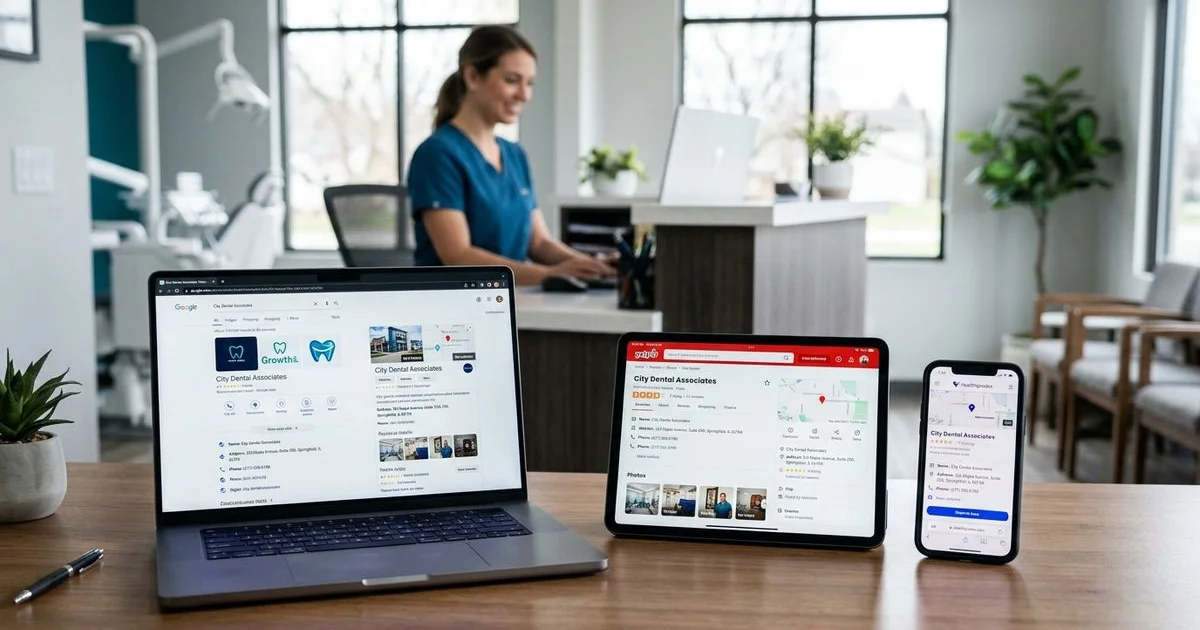
When ChatGPT, Gemini or another AI tool gives wrong details about your dental practice, the error almost always comes from a source it read — an old directory listing, a stale Yelp page, an outdated article. You fix it by finding and correcting that source, then making the correct details consistent everywhere so the right version wins.
Last updated: October 29, 2026 · By ToothRank
Common errors and where they usually come from
| Wrong in the AI answer | Usual source |
|---|---|
| Old phone number | Directory listings never updated after a phone or call-tracking change |
| Wrong hours | Holiday hours missing on Google Business Profile; outdated hours on Yelp or your own footer |
| Services you don't offer | Aggregator sites with generic dental service lists |
| Old practice name or a retired dentist | Listings and bios that survived a rebrand or ownership change |
| "Permanently closed" | A duplicate listing marked closed, or a previous location |
Step-by-step fix
- Find the source. Ask the AI where the information came from. Perplexity and ChatGPT search usually show citations; note every URL.
- Correct it at the source. Claim and update the directory listing, ask the publisher to correct the article, or remove the duplicate listing.
- Make your own site the clearest answer. Put the correct phone, address and hours in text on your contact page and footer, and in your Dentist schema.
- Update Google Business Profile, Bing Places and Apple Business Connect. These feed many AI tools and map apps.
- Use the feedback buttons. Most AI tools let you flag a wrong answer. It doesn't fix the source, but it helps.
- Re-check monthly. Corrections take time to be recrawled. Track the same prompts until the error disappears — see tracking AI visibility.
Why this matters for patients
Most people do check. In BrightLocal's 2026 Local Consumer Review Survey, 88% of consumers who use AI for local recommendations said they check the AI's sources. A wrong number or "closed" label sends those patients to the next practice on the list.
Preventing it
Keep one canonical record of your practice details and update every listing whenever something changes — phone system, hours, dentists, address. Our NAP consistency guide lists the listings that matter most.
ToothRank monitors accuracy across AI platforms and corrects the sources as part of AI search optimization for dentists. Spotted an error today? Call (469) 553-1070.